
AI coding assistants do not write good code in bad codebases. They write more of what is already there, faster. If your codebase is well-organized, the assistant will quietly produce more well-organized code. If your codebase is a mess, you will get a mess at higher throughput.
This is the most useful frame I have found for the AI tooling conversation in 2026. The question “should our team use Cursor or Claude or Copilot” is the wrong question. The right one is “is our codebase ready to have its current state amplified.”
Why AI Tools Amplify Rather Than Create
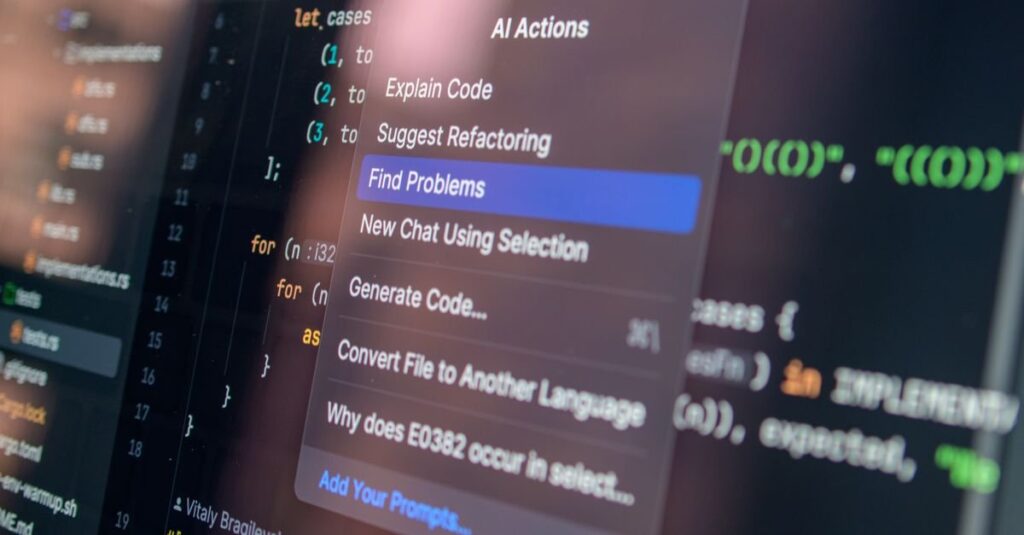
An AI coding assistant decides what to write next by reading what is already in the codebase. Variable names, function shapes, file structure, test patterns, comment style, error handling conventions, all of it becomes context for the next suggestion. The model is doing the thing it is best at, which is pattern continuation. It is not running a code quality check. It is finishing the pattern.
This is great when the pattern is good. The assistant writes more functions like the ones you already have, with the same boring discipline. It is brutal when the pattern is bad. The assistant writes more of your inconsistent error handling, more of your half-finished abstractions, more of your tangled module boundaries, much faster than a human ever could.
The team feels productive because the diffs are flying. The codebase rots at a rate that nobody noticed because the rot was already in motion.
The Pattern I See in Practice
Early-stage teams that adopt AI assistants in 2026 land in two clean clusters within about three months.
The first cluster shipped faster and feels good about it. Their codebase started clean enough that the assistant could keep up. They have rules for what the assistant is allowed to touch, and the senior engineer or technical founder is reading every AI-generated diff before it lands. They got a real productivity boost.
The second cluster shipped faster too, for about six weeks. Then the codebase became hard to change. Bugs took longer to track down. Onboarding a new engineer went from a week to a month. By the time they noticed, they had ten thousand lines of code that nobody on the team can confidently explain. They are stuck with a maintenance problem that arrived two quarters earlier than it would have without the assistant.
Same tool. Two different starting conditions. Two very different outcomes.
Five Rules That Decide Which Cluster You End Up In
If you are going to put AI assistants in your team’s loop in 2026, the question is not whether to do it. It is whether you have the discipline to keep the assistant from turning your codebase into something none of you can maintain. Five rules I work through with founders.
1. Only let it write in modules with clear interfaces. If your function or module boundary is fuzzy, the assistant will produce code that crosses the boundary in invisible ways. Clean module boundaries are not a luxury here. They are what makes AI-generated code reviewable.
2. Do not accept code you cannot read. The fastest way to wreck a codebase with AI assistance is to merge code you do not fully understand because it passes the tests. That code is now your team’s responsibility. If you cannot explain what it does line by line, do not merge it.
3. Treat AI output like a junior engineer’s pull request. Same review discipline. Same skepticism about edge cases. Same insistence on naming, comments where they matter, and consistency with the rest of the codebase. The assistant is fast but it is not senior.
4. Force it to follow your conventions, not the other way around. If your codebase has a specific way of handling errors, logging, naming, or structuring tests, write that into your project rules or system prompt. The assistant will happily reach for the most popular pattern on the internet if you do not tell it not to. The most popular pattern is rarely the one your codebase already uses.
5. Watch for cross-cutting changes that the assistant cannot see. AI tools are excellent at local edits and poor at “this also affects four other places.” The classic failure mode is the assistant changing a function signature and missing the three callers that now have stale assumptions. Senior review of any change that touches an interface, not just any change that touches code.
The Diagnostic Question
Before you roll an AI coding assistant out to the whole team, ask one question. If our senior engineer left tomorrow, would we still understand our own codebase?
If the answer is yes, your codebase is ready. The assistant will accelerate work that the team can still explain and maintain. You will be in cluster one.
If the answer is no, the assistant will speed up the exact problem you already have. You will get more code, faster, that even fewer people understand. You will be in cluster two. Spend the next two months on the codebase first. Then bring in the assistant when the foundation can hold the speed.
What This Means in 2026
The companies winning with AI assistants in 2026 are not the ones with the best prompts. They are the ones with the cleanest codebases. The assistant is a multiplier on whatever discipline already exists. There is no version of this where bad code gets better because you added Cursor. There is a version where good code gets shipped faster, and a version where bad code gets shipped much faster.
Pick which version your team is heading toward, and do the work to be in the first one before the speed becomes the problem.
Let’s Talk
If you are weighing whether to bring AI coding assistants into your team’s workflow, or you have already and the codebase is starting to feel out of control, that is the kind of question I work through with founders all the time. I take on senior async architecture and code-quality work for teams making exactly these decisions. If that sounds like your situation, reach out.